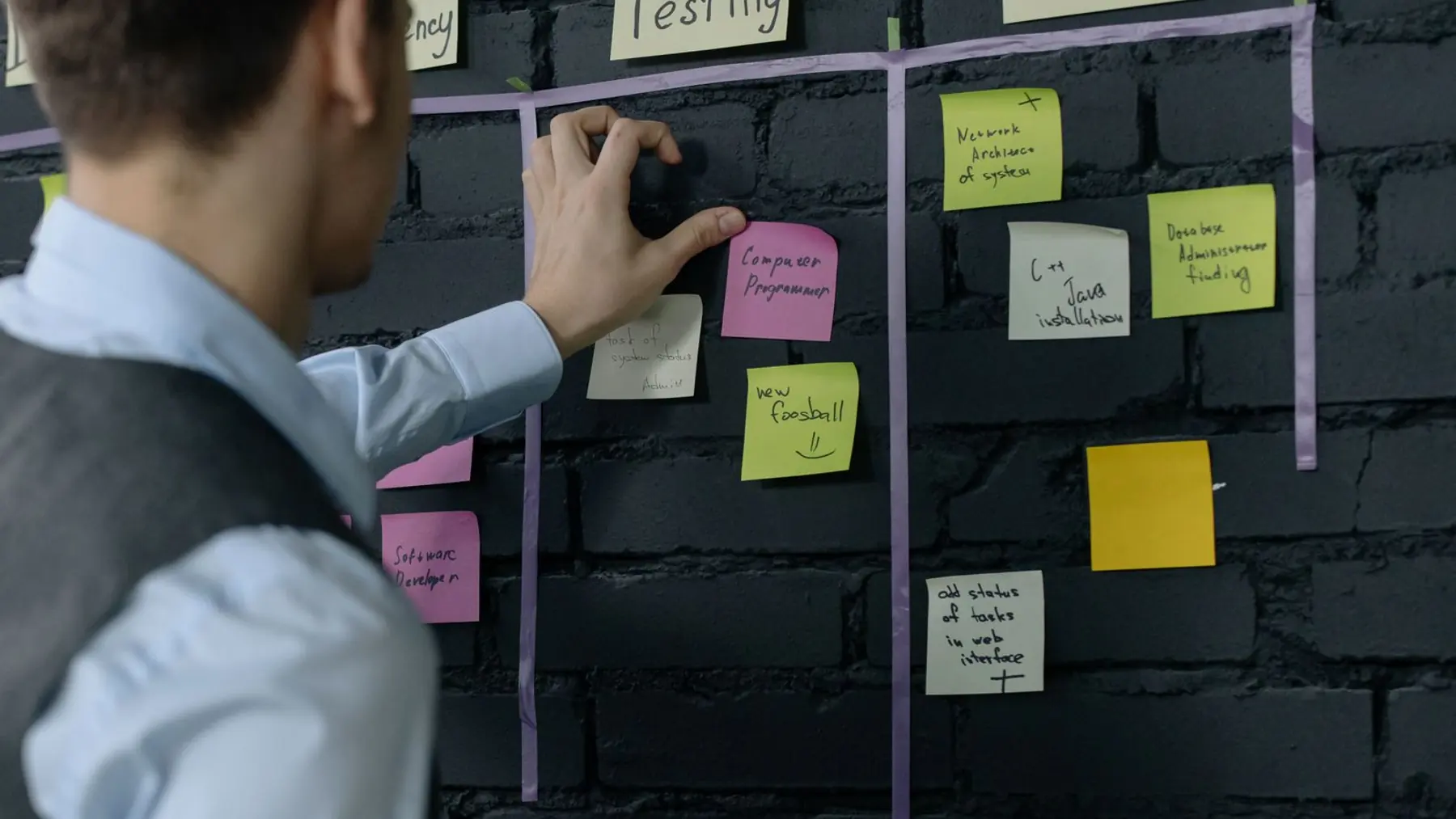
We connect the tools you already use so information moves by itself, with no more re-typing the same order into three systems.
Every business carries invisible admin: exporting a spreadsheet, pasting it somewhere else, chasing an approval, sending the same email for the hundredth time. Workflow automation takes those steps and runs them in the background, correctly, every time.
What's included
What you actually get
Apps connected together
Your website, inbox, CRM, accounting and spreadsheets wired so an update in one appears in the others.
Automatic follow ups
Quotes chased, reminders sent and reviews requested on schedule, without anyone remembering to do it.
Approval and handoff rules
Work routed to the right person automatically, with a record of who approved what and when.
Scheduled jobs and reports
The Monday report, the nightly sync, the month end export, generated and delivered on their own.
Alerts when something breaks
If an automation fails you find out immediately, rather than discovering it three weeks later.
Documented, not magic
You get a clear map of what runs, when, and how to change it, so it never becomes a black box.
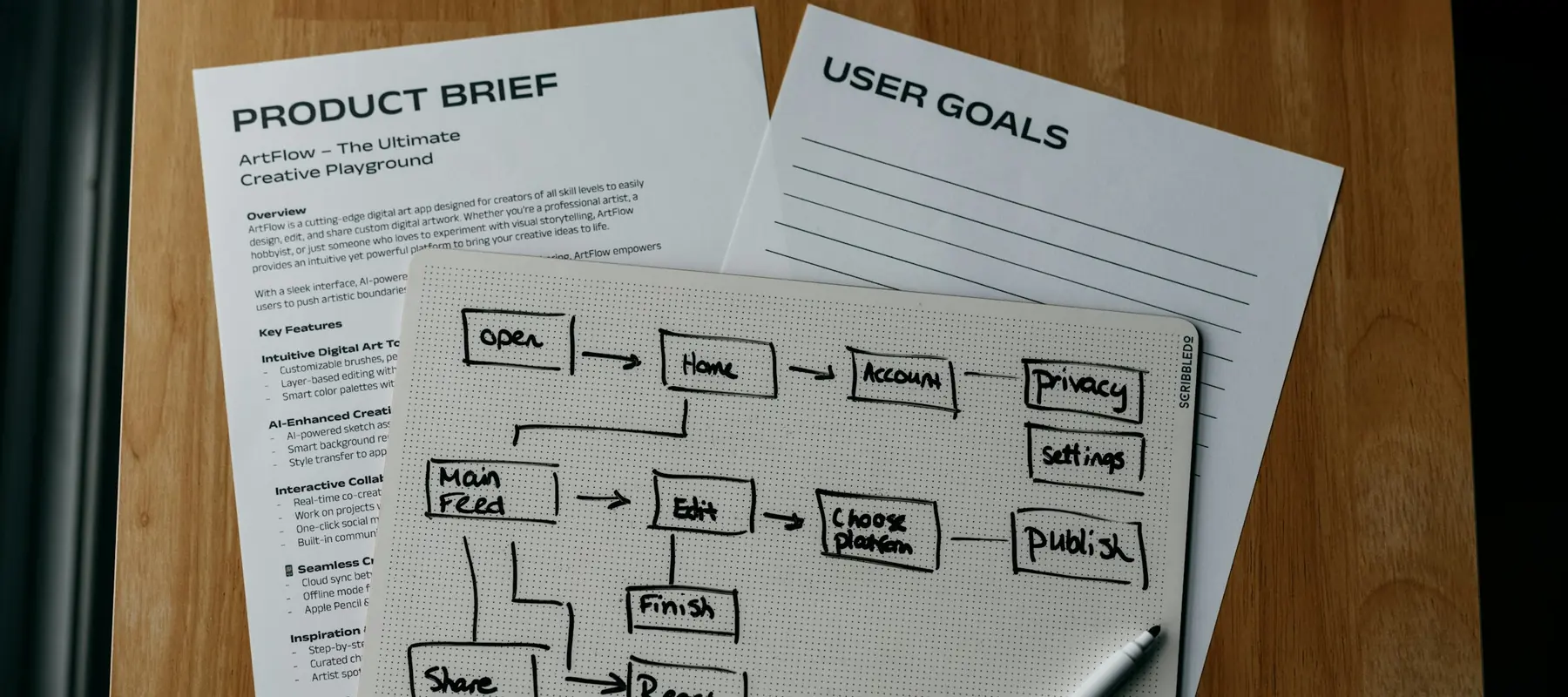
We time the current process first
So the hours saved are a number you can check, not a promise in a proposal.
In more detail
How this actually works
The cheapest project we sell, and often the highest return
Automation rarely needs new software. It usually needs the tools you already pay for to be wired together properly. Because of that it is typically the fastest work we do and the easiest to justify: a few weeks of effort against hours returned every single week afterwards.
Failure is designed for, not hoped against
Automations break when an API changes or a file arrives in the wrong format. Ours are built to notice, retry where it is safe, and alert a human when it is not. The dangerous automation is the silent one that stopped working a month ago.
We measure before and after
The current process gets timed before we touch it. That means the saving is a figure you can verify rather than a claim, and it tells us honestly when a particular automation is not worth building.
How a project runs
Four stages, priced before each one
Typically 2 to 6 weeks
Workflow audit
We list the repetitive tasks, time them, and rank them by hours returned against effort to automate.
Quick wins first
The highest-value, lowest-risk automations get built and switched on early, so the work pays for itself while the rest is still in progress.
Build and test with real data
Each automation is run against genuine cases, including the awkward ones, before it touches anything live.
Monitoring and handover
Failure alerts configured, the whole map documented, and your team shown how to adjust it as the business changes.
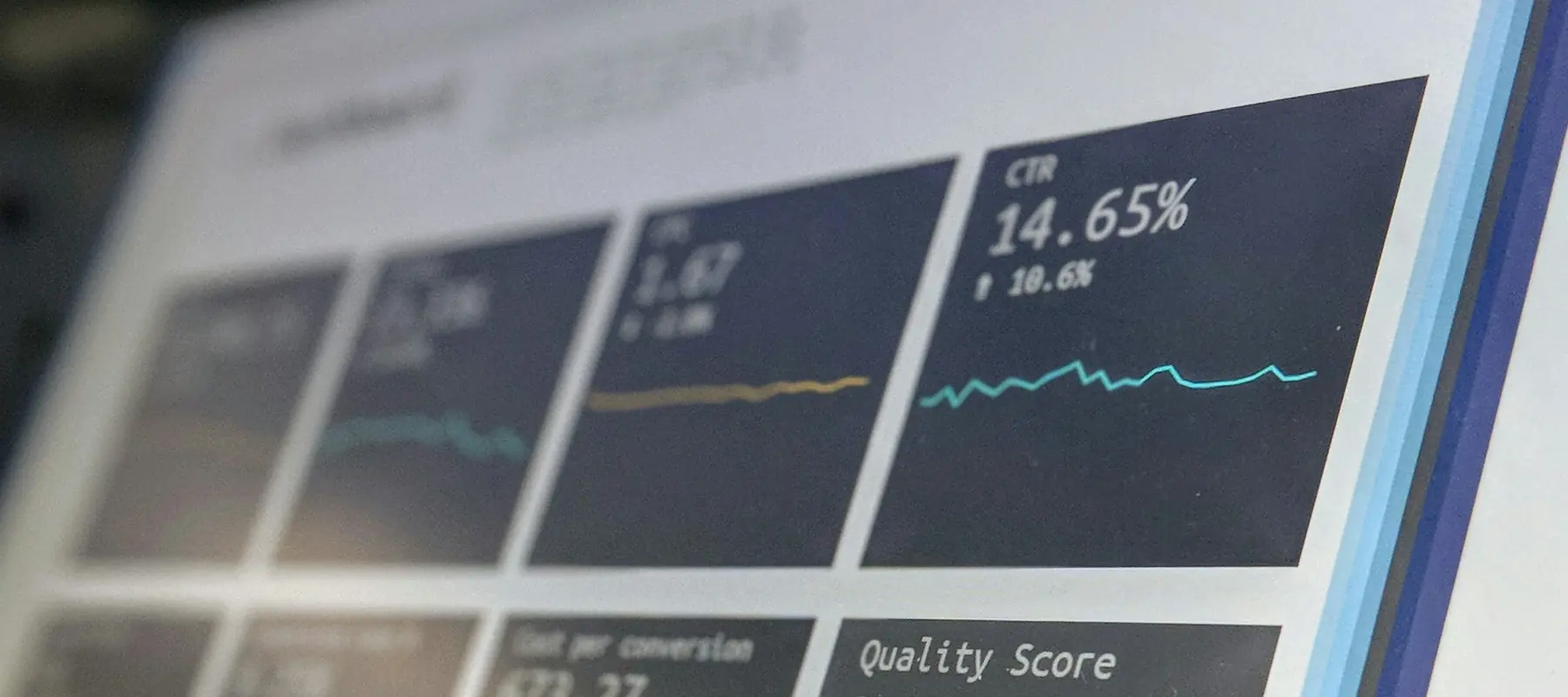
Documented, never a black box
A clear map of what runs, when, and how to change it, handed over with the work.
Who it's for
This is usually the right fit if…
- Admin teams doing repetitive copy and paste work daily
- Businesses where leads sit unattended for hours
- Companies where month end takes days of manual effort
- Teams that have outgrown a pile of manual spreadsheet steps
Questions
Common questions
Usually not. Most modern tools can be connected exactly as they are, and we would rather work with what your team already knows.
We measure the current process before building, so the saving is a number you can check rather than a promise. Ten to fifteen hours a month across a small admin team is common.
Automations are built to be edited and documented so they can be. We can update them, or your team can, depending on how technical the change is.
You get alerted immediately, and where it is safe the step retries on its own. Nothing is allowed to fail quietly, because a silent failure is worse than no automation at all.
It covers different ground. A person handles judgement and exceptions well. Automation handles volume and repetition without error or holidays. Most businesses need some of both.
Often yes, through file exports, email parsing or scheduled scripts. It is less elegant and we will tell you honestly when the workaround is too fragile to trust.
That is what the audit answers. We rank by hours returned against build effort, so you start with the work that pays back fastest.
Also useful
Other services
Website Design and Development
We design and build your website from scratch. That means the pages people land on when they search for you, click your ad, or tap the link in your bio.
Learn more02Web App and SaaS Development
A web app is software that runs in a browser, like a dashboard, a booking system or a customer portal. You log in, do the work, and nothing needs installing.
Learn more03AI Services and Integration
We build AI into your business where it genuinely helps: answering customer questions, reading documents, drafting replies, or handling the repetitive work nobody enjoys.
Learn more04Custom Software Development
Software made specifically for your company, instead of forcing your business to fit a product that was built for somebody else.
Learn moreTell us what's slowing the business down.
A short call and an honest answer about what to build, and what not to. No obligation, no sales script.